Support
Photos & content

One album for the event, with your photos and theirs. The handbook a tap from the ticket.


Your photos in one tab, the attendees' in the other, approved by you before the room sees them. Files, links and videos as rows under the event, so the things people ask you for stop living in your inbox.

Everything that used to be an attachment, in the app they already opened for the ticket.

2
Tabs in the album
Your photos in one, everyone else's in the other.
3
Kinds of resource
A file, a link, a video. Each one a row under the event.
1
Tap from the ticket
The album and the handbook live on the event screen the ticket opens.
0
Links that expire
The album is still there the week after, in the app they kept.
On the event

The album in its own tabs. The handbook and the floor plan in rows under the event.
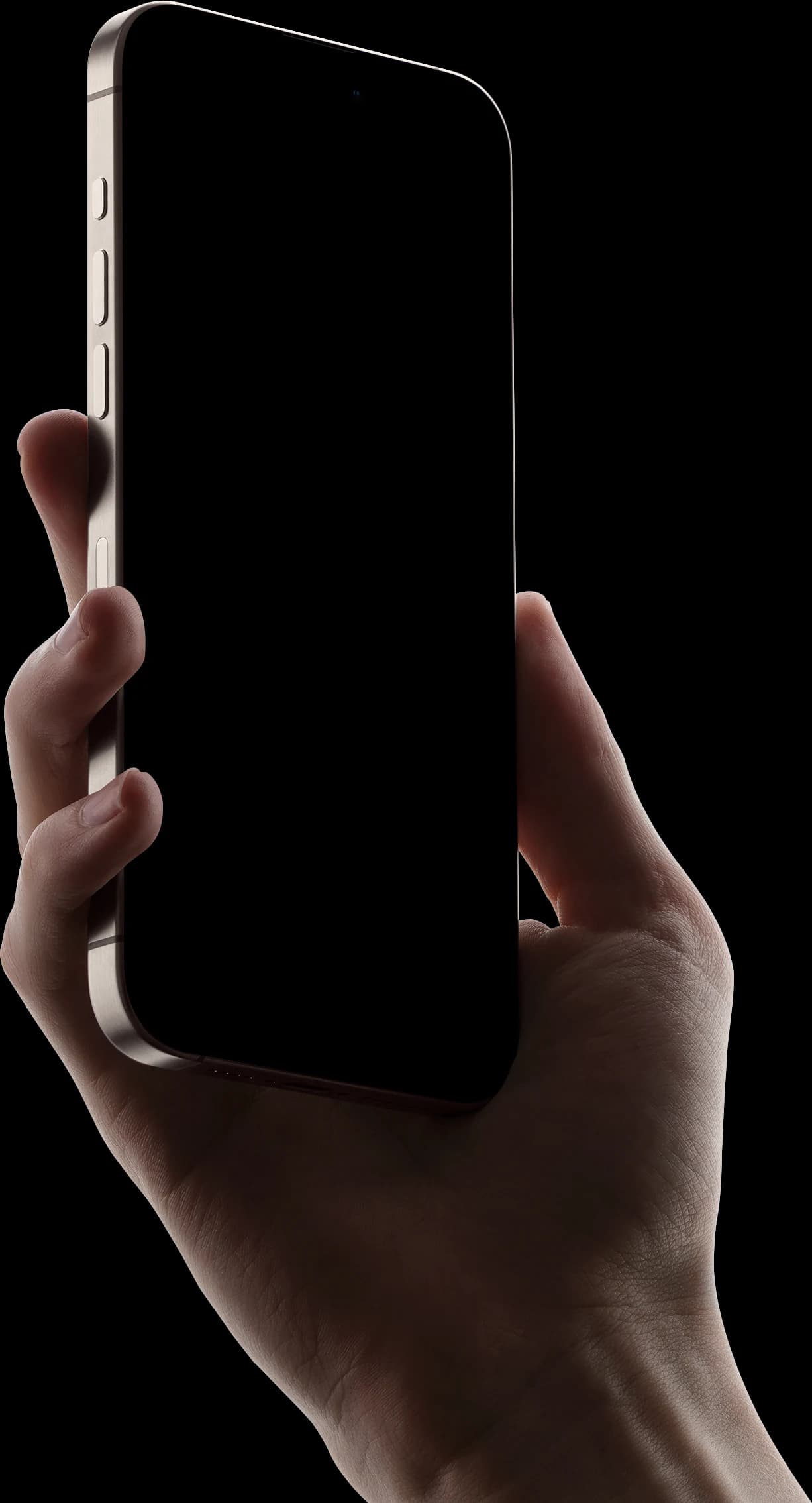
The event screen carries the album's first tiles and the resources under them. Open the album for everything; open a row for the file, the link or the video. Nothing to email, nothing to re-send on the morning.
The album
Files, links, videos
On your desk

Approve what attendees add before the room sees it, from one Content tab.

Staged, approved, rejected: every contribution is a decision you make once, at your desk or in the taxi. The resources sit beside the album on the same tab, so the handbook is replaced in one place and current on every phone.

The album

From the phone on the night to an album everyone keeps.

Your photos land at once. Theirs wait for your approval. All of it stays on the event in the app they already have.

Step 1 of 4

Upload from the phone on the night, from organiser mode.

Organiser mode · Media

Add photos or videos

1:24
  • Selected12 · 1 video
  • Goes toYour tab
  • VisibleThe moment it lands
Uploading 10 of 12

The Media tile on the manage screen takes photos and videos from the phone you are already holding. They go into your tab and the room sees them the moment they land.

Resources

Files, links and videos sit under the event, where the ticket already is.

The handbook, the floor plan, the venue guide, last year's recap: each one is a row on the event screen, under the description and above the programme. Added on the Content tab, opened with a tap, replaced without a re-send.

On the event screen

Resources

  • Attendee handbookPDF · 2.3 MB
  • Floor plan, both roomsPDF · 640 KB
  • Getting to Felix Meritisfelixmeritis.nl
  • Last year's summit in three minutesVideo · 3:02

Added from the Content tab. Under the description, above the programme, where the ticket already is.

Moderation

Anyone can report a photo. You can hide or delete any of them.

A report goes against the uploader, and the reporter can block them outright. On your side, a hide takes it out of the album and a delete removes the file. It is the moderation the App Store requires of an app with user content, and it is already there.

Added by Sofia Marin

From attendees · Thursday 21:14

Any attendee

  • Report this photoReports the uploader
  • Block this personHides everything of theirs

You, the organiser

Hide
Delete

A reported item stays put until you decide. A delete removes the file too.

Keeping them

They pick the photos they want and save them to their own camera roll.

Select one or several in the album, tap once, and they are in Photos at the quality they were uploaded in. No transfer link, no compression, nobody asking you to send the one of them.

Select

3 selected

  • Saves toTheir camera roll
  • QualityAs uploaded
  • Asks firstPhotos permission, once
Save 3 to Photos
The usual way

What changes when the photos and the handbook live where the ticket is.

The photosA transfer link that expires in a weekOne album on the event, still there next month
Their photosA group chat, at chat qualityAdded from the app, approved by you, in their own tab
The handbookA PDF attached to an email nobody can find on the dayA row under the event, a tap from the ticket
The floor planPrinted, and out of date by lunchReplaced on the Content tab, current on every phone
A photo that should not be thereA message you hope gets readHidden or deleted by you; reportable by anyone
The week after"Can you send me the one of us?"They save it themselves, from the album they kept

The left column is your own inbox on the morning of the event. Nobody else's product is named, on purpose.

The numbers

The album is opened most the day after the event, and every open is counted.

Whose photos they are, which day people came back for them, which handout was actually read, and every decision you made in the queue.
Sample figures for a sample conference. The shapes are the product's; the numbers are not anyone's.

The week after, day by day.

Album opens, from everyone who had a ticket.

142 opens on the Friday. The day after the event, not the day of it.

Yours, and theirs.

Two tabs, one album, everyone in it.

55

in the album, from 9 people

Yours 24From attendees 31

The handbook, opened.

Which resource people actually reached for.

Attendee handbook
212
Floor plan
140
Getting there
96
Last year in 3 minutes
58

The queue, decision by decision.

Who added what, when, and what you did with it.

  • 21:14Jonas Berg3 photos · 1 videoApproved
  • 21:20Sofia Marin2 photosApproved
  • 21:41Tomas Lindqvist5 photosApproved
  • 22:03Priya Raman1 videoRejected
  • 22:15Daniel Okafor4 photosPending

The event ends. The album does not.

The app stays on their phone because the ticket was in it. The album stays on the event because it was never anywhere else. A week later, the photos are where the ticket was.
Straight answers

Approval, takedowns, downloads, and what it does not do yet.

Yes. Anyone with a ticket adds photos and videos from the app. They land in your queue first, marked pending, and appear under the attendees' tab the moment you approve them. Your own set stays in its own tab.

Also in the product

Check-in, the event page and the app run on the same ticket list.

The app

A real app on the App Store, for them and for you.

See the app
Communications

Every message to the room, from the list the door checks.

See communications
Who's going

People arrive already knowing who to meet.

See who's going
Get started

Give your next event one album everyone keeps.

© Confexio